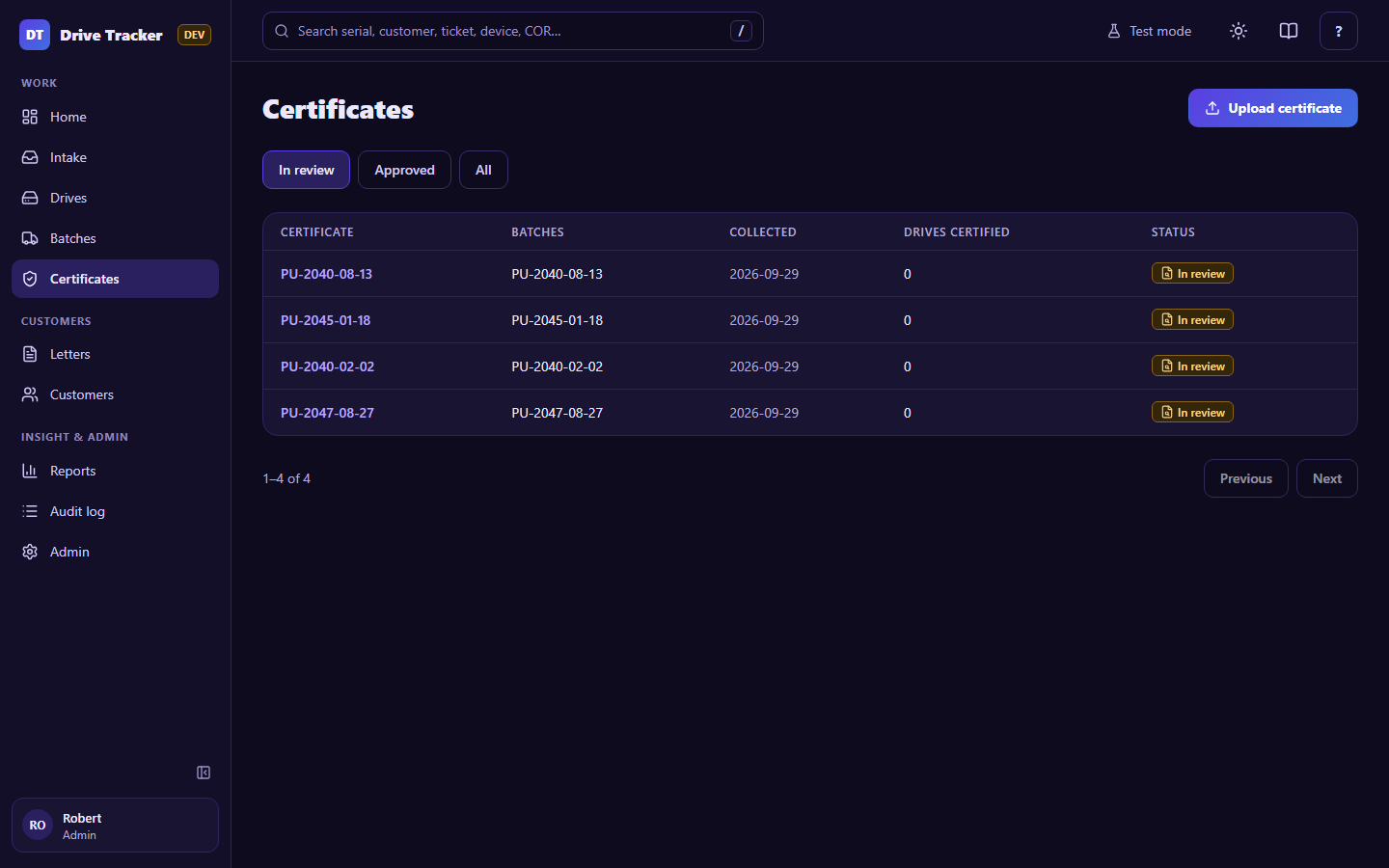
Certificates
The recycler's Certificate of Recycling (COR) lists the serials it destroyed. The app reads it, matches every serial to your drives, and a Manager approves it. Approval makes the drives Certified and files the PDF in SharePoint.
Upload
Upload certificate → choose the batch (or batches) it covers → choose the PDF. The app reads each page: a text layer if the PDF has one, otherwise the AI reader. Each page shows its progress; a page that can't be read offers Retry or Type serials.
Review
The review page shows the PDF beside the results. The coloured counts at the top are the four lists:
| List | Means | What you do |
|---|---|---|
| Matched | Exact match to a drive in the batch | Nothing (collapsed) |
| Needs confirmation (to confirm) | Close match, e.g. 5 read instead of S. The differing characters are highlighted. |
Confirm or Reject |
| On the certificate, not in the batch | On the certificate but not in this batch | Link… (to the right drive), Acknowledge (e.g. another customer's drive) or Ignore (reading junk) |
| In the batch, not on the certificate (missing) | In the batch but not on the certificate | Decide at approval |
Other ways to fill a certificate with no readable serial list: Type or paste serials (a scanner works too), or the checklist of the batch's drives.
Approve (Managers)
Approve is available once nothing is left to confirm. If some drives are still missing, or lines are unresolved, approval asks for a written reason and what to do with the missing drives:
- Keep them waiting for a certificate (recommended): they stay Picked up and the batch keeps waiting.
- Certify them anyway: they are certified with your reason (15+ characters) recorded.
After approval, the PDF is filed in SharePoint under Certificates/<year>/. If SharePoint is down, it retries by itself every 15 minutes (see Home → Connections).