Drives and search
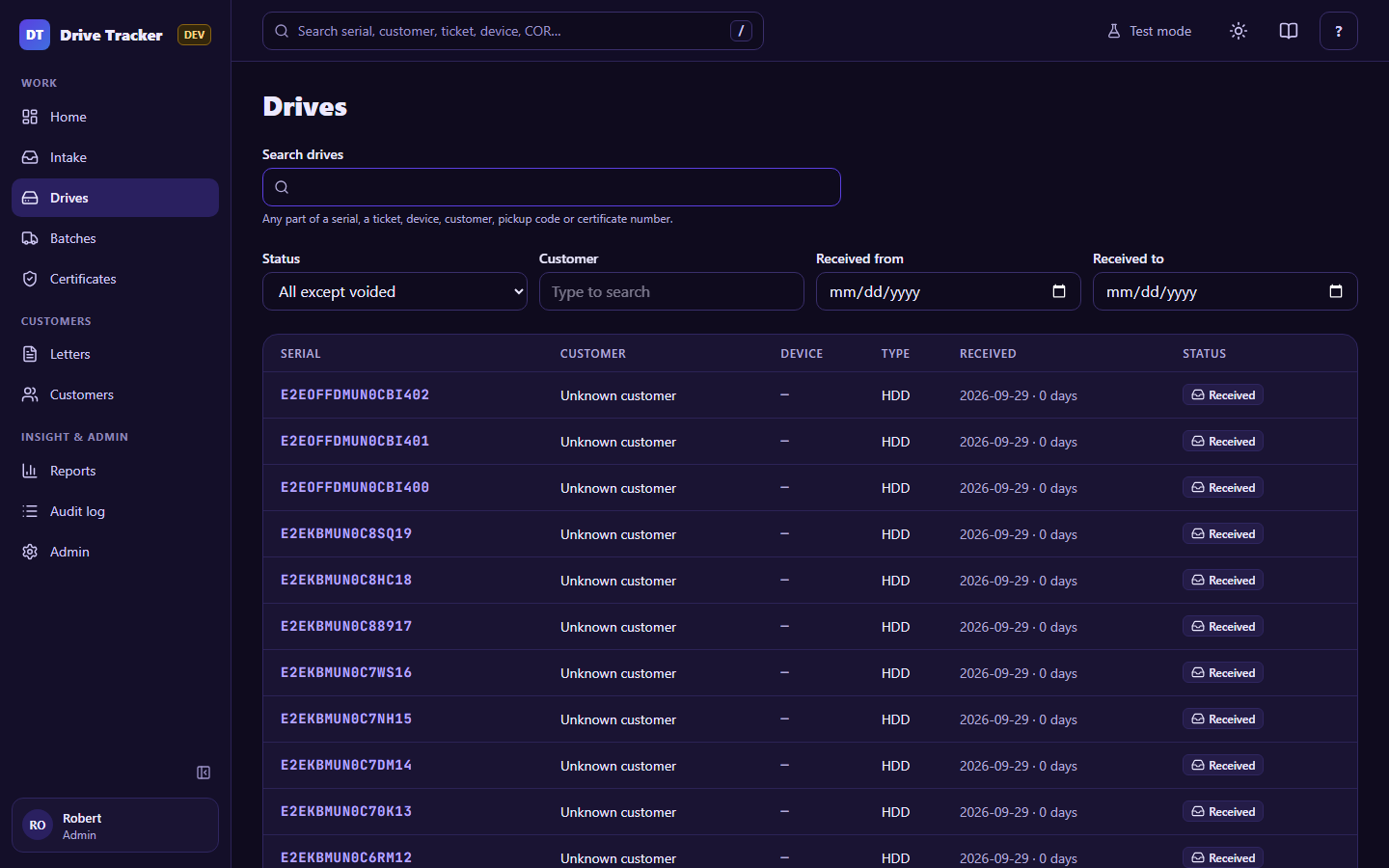
Search
Type any part of a serial (at least 3 characters for "contains"), a ticket number, device name, customer, batch code (PU-…) or certificate number (I…). Look-alike characters are matched too, so 545HN finds S45HN….
The top-bar search does the same from any screen (/ or Ctrl+K).
Filters
With nothing in Search, filter by status, customer and received dates. The list is newest first, 50 per page.
A drive's page
Click a serial to see everything about it: customer, device, ticket, type, who received it and when, its batch, its certificate, letters that list it, the label photo, and its full history.
| Action | Who | When |
|---|---|---|
| Edit | Technician | Before pickup |
| Edit | Manager | Any time before it's certified |
| Void… | Admin, with a reason | Logged by mistake (can be un-voided) |