Customer letters
A letter tells a customer which of their drives were destroyed, with the certificate details. Managers make them.
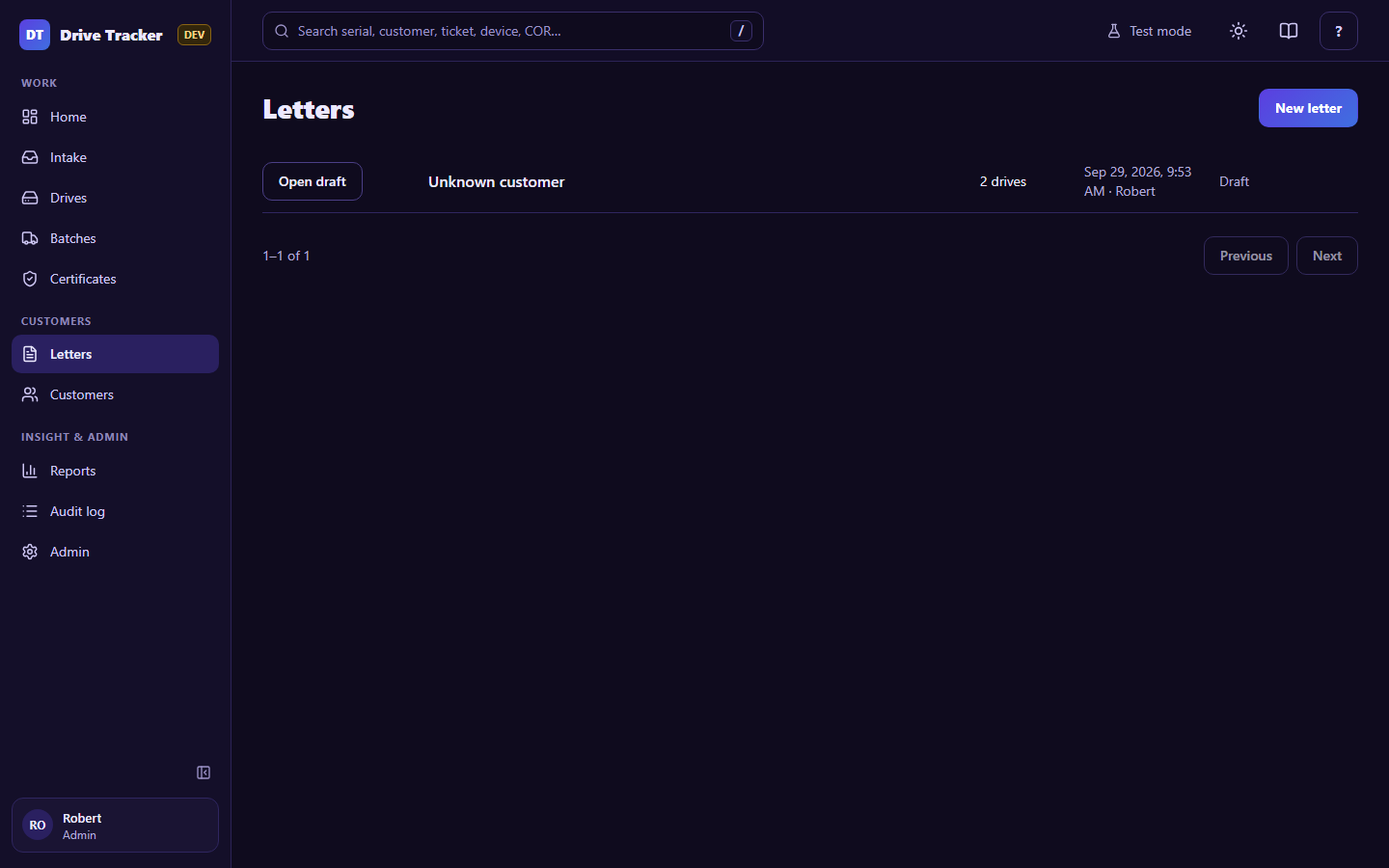
- New letter → pick the customer.
- Choose the drives by certificate (tick one or more) or by date range.
- Preview shows exactly what the PDF will look like (logo and signer from Admin → Letter branding).
- Issue letter: the app numbers it (
LTR-2026-0031), makes and keeps the PDF, and files it in SharePoint underCustomer Letters/<customer>/<year>/.
The list shows every letter with its PDF. A letter whose drives were later moved to another customer is flagged, so you can issue a corrected one.