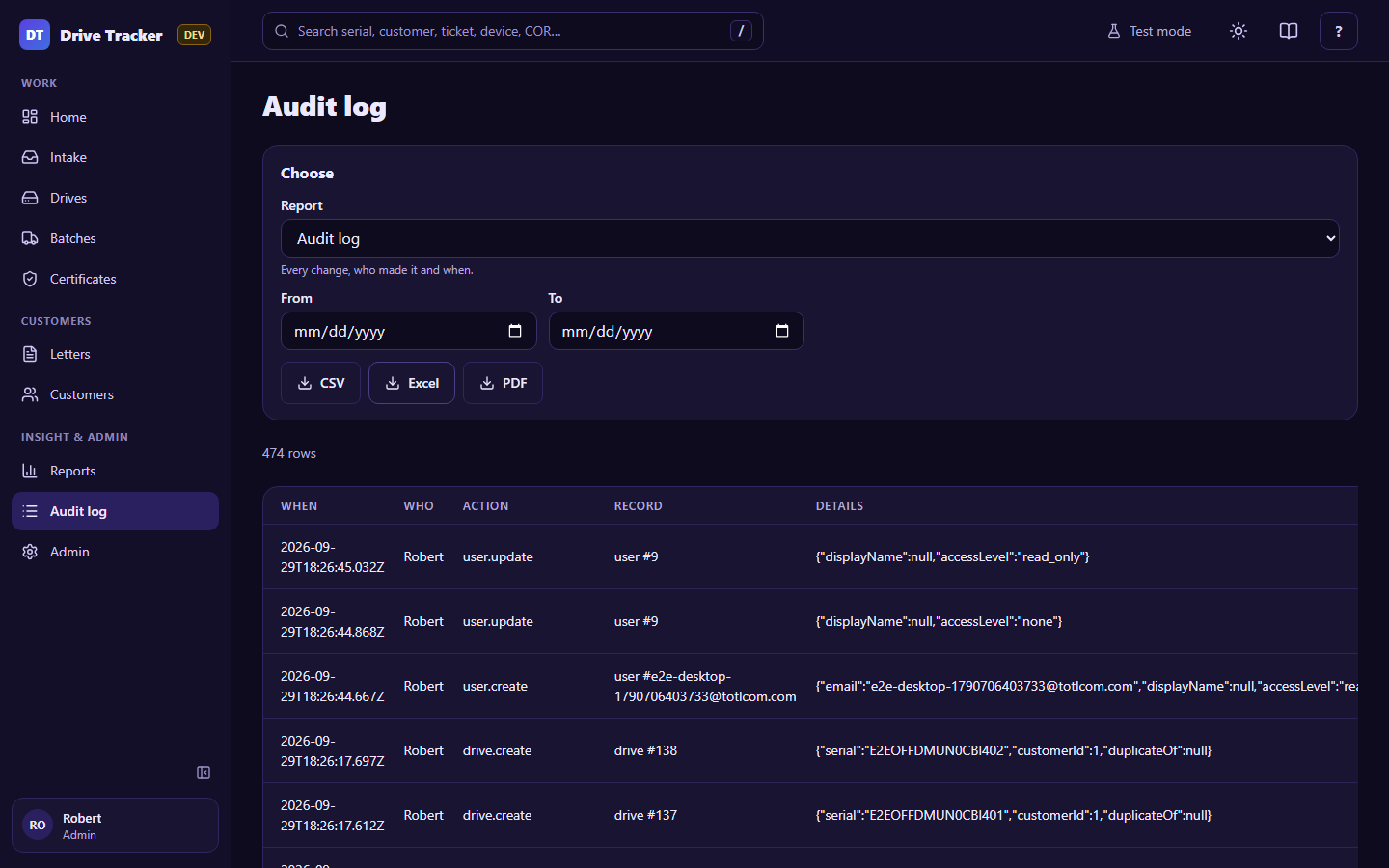
Reports and audit log
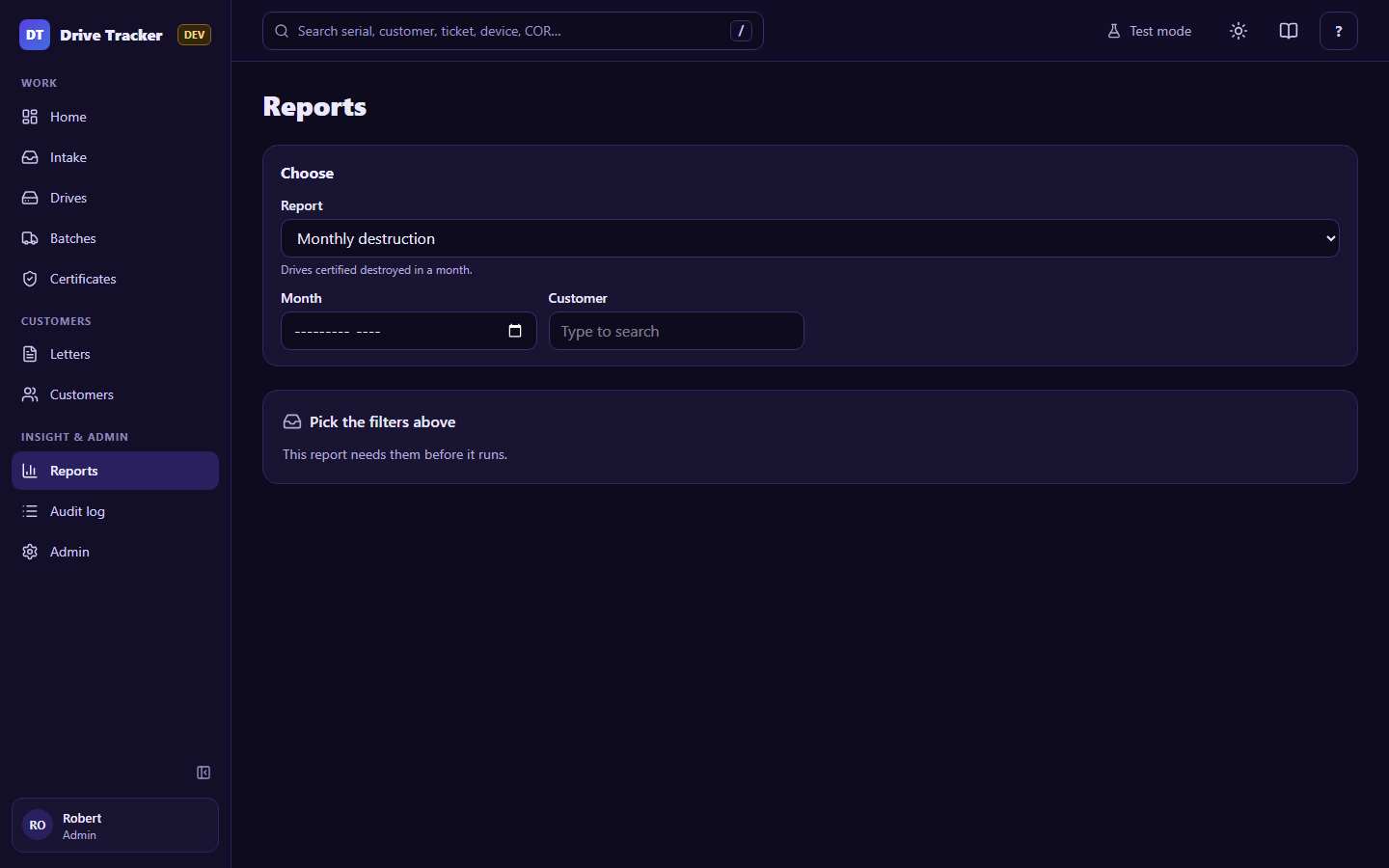
Pick a report, set its filters, and a preview appears. Download it as CSV, Excel or PDF.
| Report | Shows |
|---|---|
| Monthly destruction | Drives certified destroyed in a month |
| Customer history | Every drive of one customer, with where it is now, its certificate and letter |
| Waiting for a certificate | Picked-up drives whose certificate has not been approved yet |
| Inventory on hand | Drives received or in an open pickup, oldest first |
| Certificate history | Approved certificates with their pickups, drive counts and SharePoint links |
| Audit log | Every change, who made it and when |
Audit log
Audit log in the menu opens the Audit log report directly (Admins). Filter by who, what and when. The log can't be edited or deleted by anyone.